Grocery prices just keep going up, don’t they? Sometimes, it’s tough to tell if that so-called deal is even worth the drive across town. You might feel like you’re saving by picking the cheapest store, but, honestly, if you aren’t tracking prices over time, you’re probably overpaying here and there.
A grocery price book template lets you jot down and compare the usual prices of your go-to items at different stores. That way, you can actually spot real deals and plan your shopping trips to save real money.
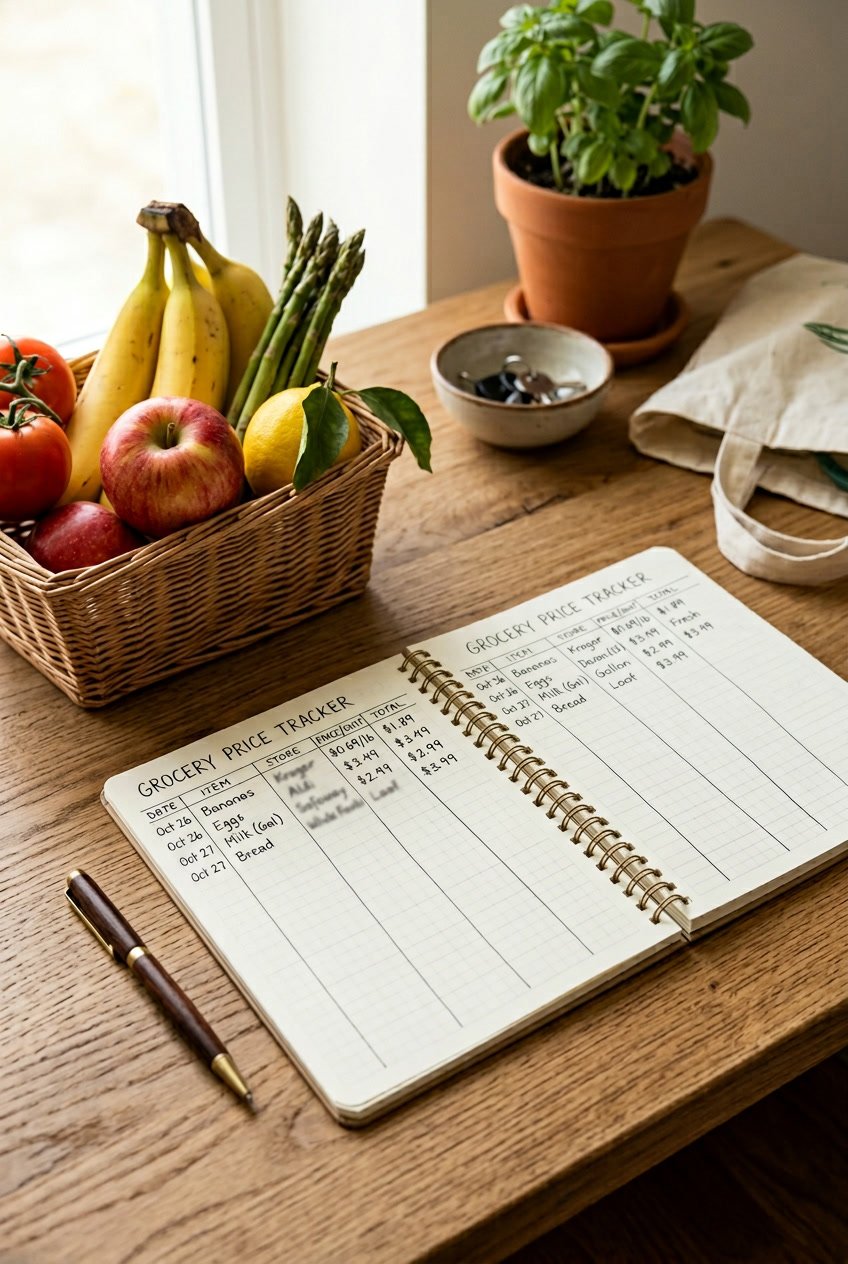
Let’s walk through how to set up a price book template that fits the way you shop. Maybe you’re a paper notebook fan, maybe you love spreadsheets, or you just want an app. I’ll show you how to track unit prices, spot sales cycles, and figure out when it’s worth making an extra stop versus just grabbing everything in one trip.
The goal? Give you a system you can set up in under 20 minutes, so you actually save money each month—without turning grocery shopping into a full-time job.
Key Takeaways
- A grocery price book helps you keep tabs on regular prices at different stores, so you know where to buy what, and when a sale is actually a deal
- Start by logging prices for your 10 to 20 most-bought items, then add more as you go or as you check flyers
- Use unit prices for fair comparisons and update your price book every few months to catch changes and tweak your shopping routine
What Is a Grocery Price Book Template?
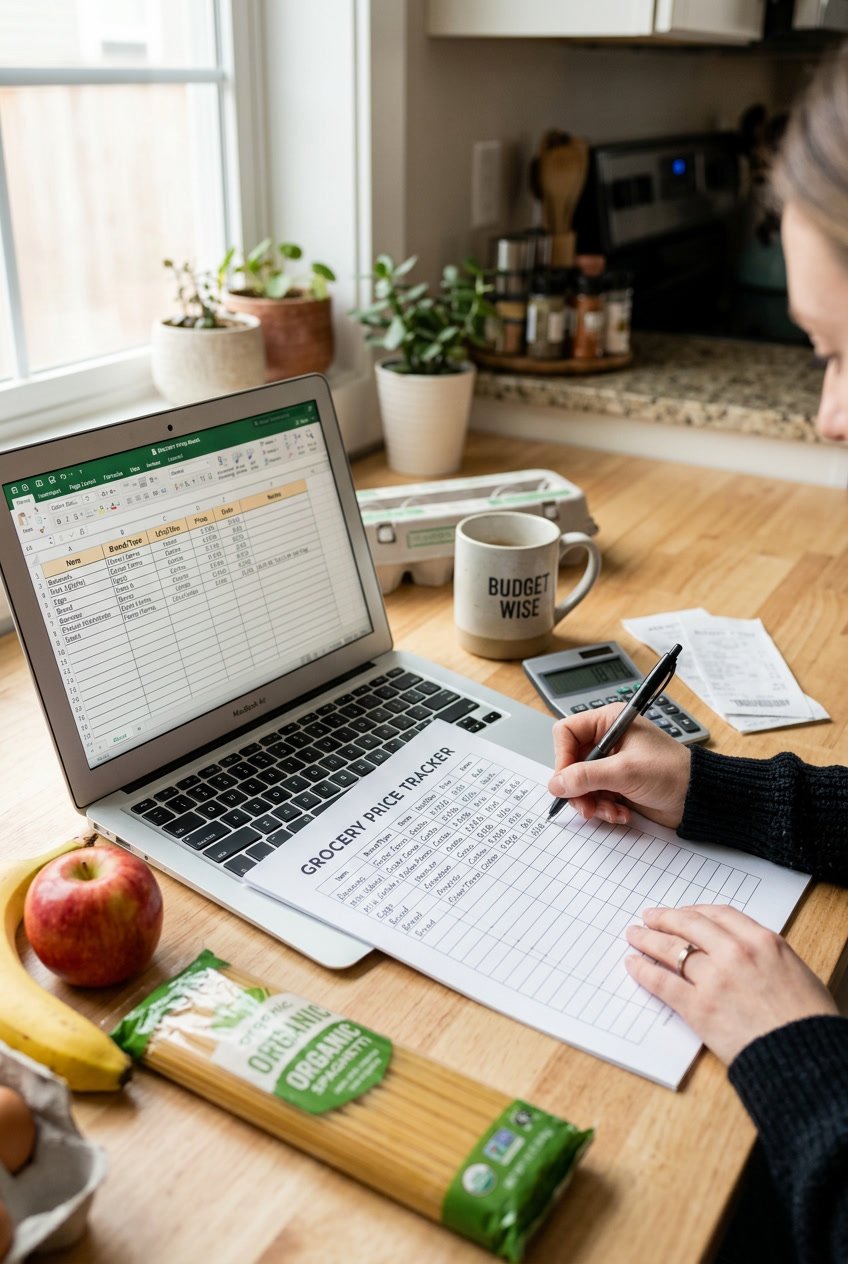
A grocery price book template is basically a ready-made tool that helps you record and compare prices for the stuff you buy all the time at different stores. Templates save you the hassle of setting up columns for product names, stores, sizes, prices, and unit costs.
Purpose and Key Benefits

The main point of a price book template? It shows you exactly where each grocery item is cheapest in your area. Instead of wondering if $2.29 for peanut butter is a steal, you’ll know Walmart has it for $1.82.
You save money by only buying items at the stores where they’re actually cheap. A 2014 Kantar Retail study found that no single chain wins on price for everything. Some stores sell peanut butter for $2.29, others for $1.82. That’s a 47-cent difference per jar, which adds up to $6.11 a year if you buy one a month.
Templates help you spot fake sales, too. If a store advertises pasta at $1.00 per pound, your price book might show that another store sells it for $0.85 every day. You skip wasting gas on “meh” deals.
The template format keeps all your info organized, so you can make shopping decisions in seconds, not minutes.
Components of a Grocery Price Book

Every useful price book template includes these fields:
- Product type: Like “canola oil” or “frozen peas”
- Store name: Full names or abbreviations, like “S&S” for Stop & Shop
- Brand name: Specific brands or just “SB” for store brand
- Package size: The amount you get, like 18 oz or 1.5 qt
- Price: What you paid or what the shelf tag says
- Unit price: Cost per ounce, pound, or whatever standard works
Unit price is the real MVP here. A 16-ounce jar at $1.80 comes out to $0.1125 per ounce, but an 18-ounce jar at $2.00 is $0.1111 per ounce. The bigger jar wins, even if it’s just by a sliver.
Some templates toss in extra columns for dates (so you know when you last checked the price) or notes (like “organic” or “sale”).
How Templates Streamline the Process

Templates save you from reinventing the wheel. Just download a file, print it, or open it up digitally, and start plugging in prices.
Paper templates are blank tables you fill out by hand. Toss one in your binder or purse for quick reference. When prices change, just cross out the old and write in the new.
Spreadsheet templates (Excel or Google Sheets) do the math for you. Enter the size and price, and the formulas spit out the unit price. Sort by product, store, or lowest price in one click.
Mobile app formats let you update prices while you’re literally standing in the aisle. Apps like ValueTracker (iOS, $0.99) or Sharky Shopping (Android) do all the unit cost math and can even make shopping lists.
Pick the template that fits your style—do you want paper you can flip through, or digital files that crunch the numbers for you?
How to Set Up Your Grocery Price Book Template

How you set up your price book—and what you track—will decide if it actually helps or just gathers dust. A good grocery price book template should fit your shopping habits and not feel like another chore.
Deciding on Format: Spreadsheet, App, or Paper

Google Sheets or Excel work for most folks since you can pull them up on your phone in the store or update them at home. They let you set up formulas for automatic unit price math. Sort by store, product, or price—easy.
A paper notebook is great if you like writing things down or don’t want to mess with your phone while shopping. A small 5×7 binder fits in your bag, and you can swap out pages. You’ll have to cross out and rewrite prices as they change, though.
Price book apps like ValueTracker ($0.99) or Sharky Shopping are handy if you’re glued to your phone and want the math done for you. They make shopping lists and can alert you when prices drop. The downside? Apps sometimes vanish or stop getting updates, so you could lose your data.
Pick whatever you’ll actually stick with. If you hate typing on your phone, just skip the spreadsheet.
Essential Information to Track

Every entry needs five basics: product name, store, brand, package size, and unit price. The unit price is what makes it all work. A 16-ounce pasta sauce for $2.50 is $0.156 per ounce, but a 24-ounce jar for $3.50 is $0.146 per ounce.
Set up columns or spots for each:
| Product | Store | Brand | Size | Total Price | Unit Price | Date |
|---|---|---|---|---|---|---|
| Peanut Butter | Walmart | Jif | 40 oz | $5.98 | $0.15/oz | 3/1/26 |
| Peanut Butter | Aldi | Store Brand | 18 oz | $1.89 | $0.11/oz | 3/3/26 |
Add a date column so you know when you last checked. Grocery prices can jump 20-30% in just a few months, especially for stuff like eggs or oil. Update every couple months for shelf-stable things, and monthly for dairy or produce.
Skip tracking sale prices in your main book. Just log the regular price—it’s your baseline for knowing if a sale is even worth it.
Customizing Categories for Your Needs

Start with 15-20 things you buy every week—milk, bread, eggs, chicken, bananas, coffee, whatever your staples are. These give you the fastest payoff. If you add 50 items right away, you’ll probably give up in two weeks.
Group stuff by how you actually shop, not by store aisles. Try categories like “Weekly Staples,” “Monthly Stock-Up,” or “Occasional Buys.” This way, you plan store visits based on what you really need.
If you mostly buy organic or have special dietary stuff, make separate sections in your template. Organic chicken breast might be $6.99 a pound at one store and $9.99 at another, so it’s worth tracking apart from regular chicken.
Add a notes field for anything that affects your choices. Maybe the store brand tastes just as good as the name brand, or a certain size goes on sale every six weeks. These little notes turn your price book into actual shopping wisdom.
See Related: Grocery Rebate Apps vs Coupon Apps: Save More on Every Shopping Trip
Tracking Unit Prices Effectively
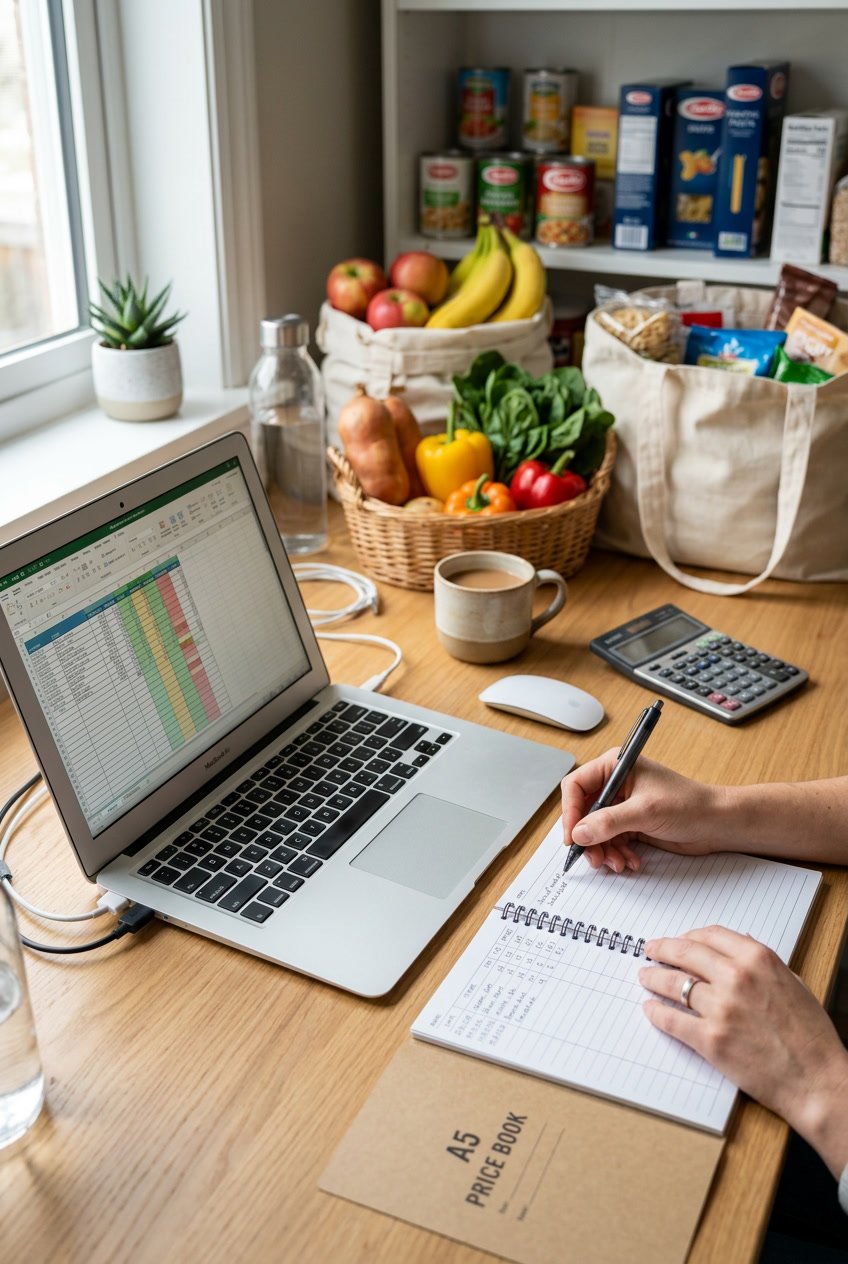
Unit prices tell you what you’re really paying per ounce, pound, or item. It’s the only way to know if you’re getting a deal or just paying for fancy packaging. Most people skip this and end up paying 30-40% more for the same thing in a different size.
Calculating and Comparing Unit Prices
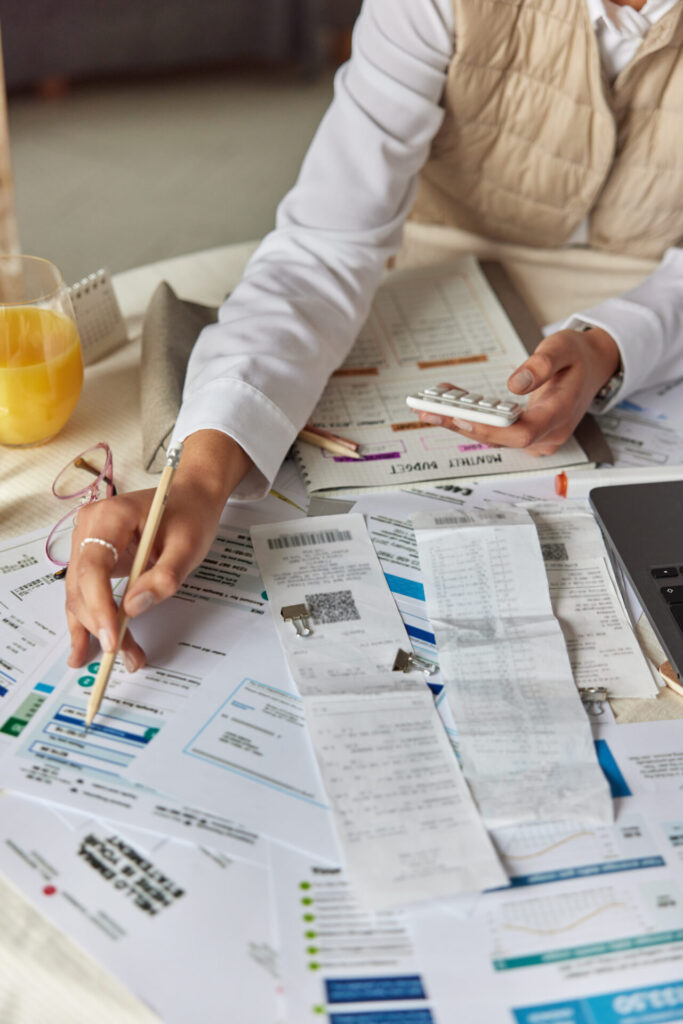
The math is simple: total price divided by quantity. A 16-ounce jar of peanut butter at $4.80 is $0.30 per ounce. A 40-ounce jar for $10.00 is $0.25 per ounce. Just buying bigger saves you 17%.
Most shelf tags show unit prices, but they’re not always consistent. One brand lists price per ounce, another per pound. You’ll have to convert and keep everything in your price book using one standard.
Watch out for these unit price traps:
- Sale items that cost more per unit than the bigger regular-sized packages
- “Family size” packs that actually charge you more per ounce
- Store brands that aren’t always cheaper than a name brand on sale
List the unit price right next to the total. If eggs are $3.99 for a dozen ($0.33 each) or $5.49 for 18 ($0.31 each), the bigger carton wins.
Tools for Quick Unit Price Calculations

Your phone calculator does the trick, but templates with built-in formulas save time. Plug in price and size, and the spreadsheet does the math. Excel and Google Sheets templates have columns for size, total cost, and calculated unit cost.
Some templates even have coupon calculators. Got a $1.50 coupon for that $10.00 jar of peanut butter? Your actual unit price drops to $0.21 per ounce. Now you’re comparing post-coupon prices with everything else.
Handy features in digital price trackers:
- Sort by unit price to see the cheapest items first
- Filter by store to do a quick price check between your options
- Date stamps to help you see price trends
If you’re standing in the aisle, just divide $6.99 by 32 ounces on your phone and jot it down. Paper price books work too if you just like writing things out—bring a small notebook and a pen.
Using Your Template to Compare Prices and Save

Your price book pays off when you actually use it while shopping. The real savings show up when you catch that a $3.49 can of organic tomatoes at one store is $2.99 somewhere else, or realize those “sale” chicken breasts are actually 30 cents more per pound than last month’s regular price.
Comparing Prices Across Stores and Brands

Jot down the unit price for every item you track, not just the total. For example, a 15-ounce can at $2.50 works out to 17 cents per ounce. A 28-ounce can at $3.99 comes to 14 cents per ounce. You’ll save money with the bigger can, even if it feels like you’re paying more at checkout.
Check at least three stores for each item. You might notice organic milk costs $5.99 per gallon at your usual grocery store, $5.49 at a warehouse club, and $4.99 at a discount chain. If you buy two gallons a month, that’s $52 saved each year.
Don’t always assume store brands are the cheapest. Sometimes, name brands on sale beat the generic price. I’ve grabbed Barilla pasta for $1.00 a box while the store brand sat at $1.29.
Record these details for accurate grocery price comparison:
- Date purchased
- Store location
- Brand name
- Package size
- Total price
- Unit price (per ounce, pound, or item)
Update your list every few weeks. Prices shift with the seasons and when suppliers change things up.
Identifying the Best Time to Stock Up
After two or three months, look for patterns in your price book. Canned tomatoes might dip to $0.89 every eight weeks. Butter usually hits its lowest price before Thanksgiving and Christmas. Ground beef tends to go on sale during grilling season.
When you spot a true low price, buy enough to last until the next sale cycle. If chicken breasts usually cost $4.99 per pound and drop to $2.99, grab what fits your freezer and your budget. A family eating five pounds a month could save $120 a year by stocking up twice at the low price instead of paying full price every week.
Don’t stockpile what you won’t eat in six months. Dried beans last a long time, but fresh produce spoils fast. Even canned goods lose their quality after about 18 months.
Incorporating Coupons and Rewards

Mix your price book knowledge with coupons and store rewards. A $1 coupon on pasta already marked down from $2.49 to $1.79 drops your cost to 79 cents. Check your price book to see if this beats other stores’ regular prices.
Store loyalty programs often send you discounts on items you actually buy. If your price book shows you pay $6.99 for peanut butter each month, and a rewards app offers $1.50 back, you’re paying $5.49 instead.
Track rebate apps separately from in-store prices. Sometimes, an item costs more upfront but ends up cheaper after a rebate. Eggs at $4.99 with a $1 rebate actually beat eggs at $4.79 without one. Just make sure you’ll actually submit the rebate before it expires.
Finding Sales Cycles and Price Trends

Once you’ve built your grocery price book and logged prices for a few weeks, you’ll start seeing patterns in when stores discount specific items and how prices shift during the year.
Tracking Historical Prices

Write down the date every time you record a price in your grocery price list. This small habit turns your price book into a real record of price changes.
After three months, look back at your entries. Maybe you bought chicken breasts for $1.99 per pound in January, saw them jump to $2.49 in February, then drop to $1.77 during a promo. That $1.77 is now your target price—your signal to stock up.
Track at least three price points for each item before you decide what’s a good deal. One entry doesn’t tell you much. Three start to show the range. Six let you see if a “sale” is actually a bargain or just average pricing dressed up as a deal.
Watch for shrinkflation. If your cereal box shrinks from 18 ounces to 15 ounces but stays $2.50, your unit price actually went up. Your price book will catch these sneaky changes if you keep calculating cost per ounce.
Understanding and Using Sales Cycles
Most grocery stores repeat their sales cycles every 6 to 12 weeks for common items. Ground beef, canned tomatoes, and pasta usually follow predictable patterns because stores rotate which products they discount to keep people coming back.
Mark your calendar when you spot a rock-bottom price. Check back in six weeks to see if the same item goes on sale again. After tracking for a few months, you’ll know if your store discounts yogurt every eight weeks or only puts boneless chicken thighs on sale twice a year.
Stock up during these deep discounts. If pasta usually costs $1.29 but drops to $0.79 every two months, buy enough to last until the next sale. You’re not spending more—you’re just timing your shopping better.
Holiday patterns matter. Baking supplies hit their lowest prices in November and December. Grilling meats drop in May through July. Canned pumpkin costs half as much in October as it does in March.
See Related: Extreme Frugal Living Experiment Results Discover the Life-Changing Impact of True Frugality
Advanced Tips for Maintaining Your Grocery Price Book
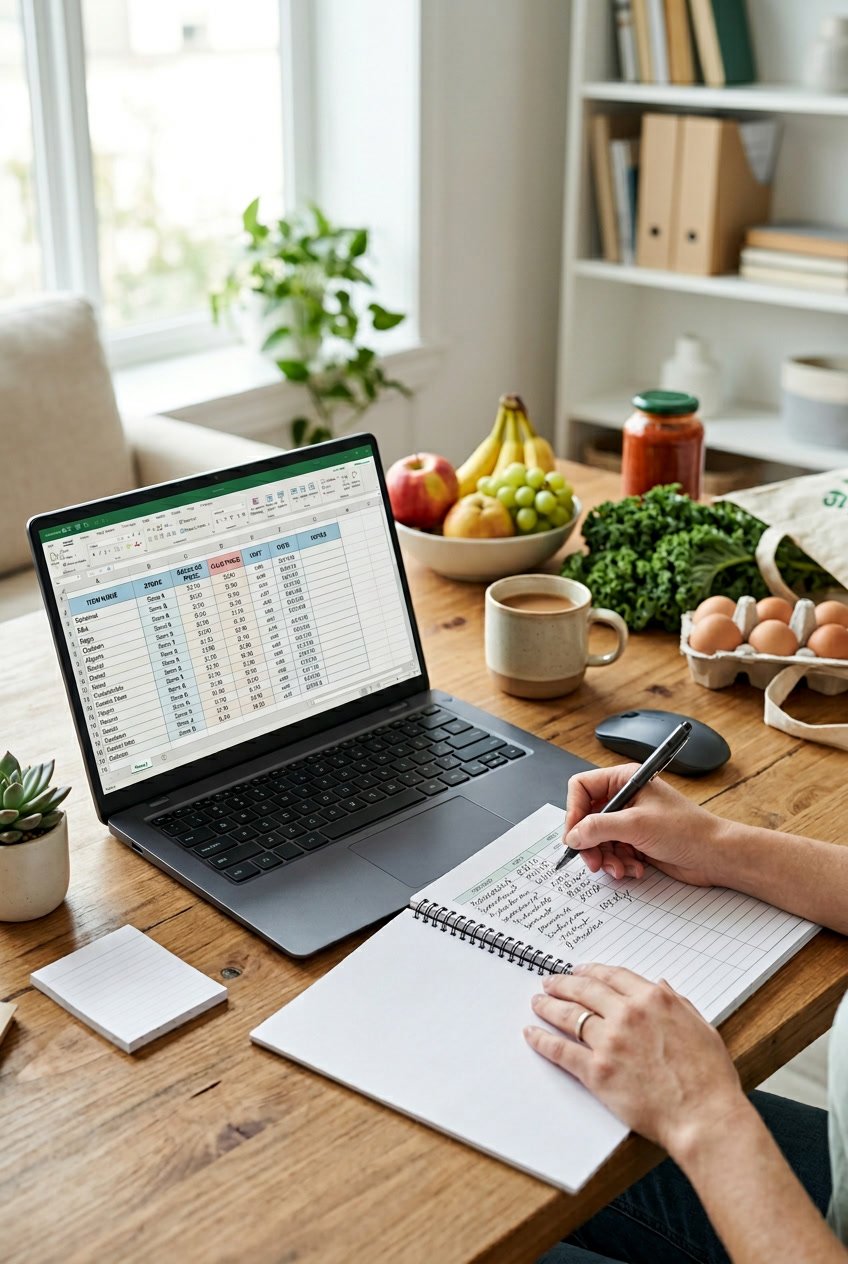
A price book only saves you money if you keep it up to date and actually use it when planning shopping trips. Tracking prices once isn’t enough—you need a living document to spot when chicken breast drops to $1.99 per pound instead of paying $4.50.
Updating and Auditing Your Template Regularly

Check your price book every two weeks, not just when you remember. Prices change faster than you’d expect, and old info can trick you into thinking a “sale” is a good deal.
Focus on the 20-30 items you buy most often instead of every single product. If you pick up eggs, milk, bread, ground beef, and pasta every week, those deserve fresh data. Stuff you buy quarterly can wait.
Set a phone reminder for Sunday evenings to review weekly ads from Flipp and update five to seven prices. This 15-minute habit helps you catch sale cycles before they’re gone. Lots of shoppers discover their store rotates certain items on sale every 6-8 weeks once they track consistently.
Delete items you haven’t bought in three months. Your template should reflect what you actually eat, not some ideal meal plan. If you stopped buying quinoa, clear it out and make space for the rice you really cook.
Mark your lowest recorded price in bold for each item. When you see a sale, you’ll know right away if it beats your best price or if it’s better to wait.
Collaborating with Family or Friends

Share your Google Sheets template with a friend who shops at different stores. You’ll both get more price comparison data without doubling the work.
Split the job by assigning categories. Maybe one of you tracks meat and dairy while the other handles produce and pantry staples. This trick, borrowed from Tightwad Gazette readers who started “price clubs,” cuts your update time in half.
Create a shared shopping list linked to your price book so family members can add what they need. When your spouse asks for cereal, you’ll instantly see that Store A sells it for $2.49 while Store B is charging $3.79.
Set some boundaries about decision-making if you share the template. Agree upfront whether you’ll drive to multiple stores for savings or stick to one for convenience. Shared templates flop when people can’t agree on time versus money.
Avoiding Common Pitfalls

Don’t bother tracking unit prices for everything. Calculate price per ounce for shelf-stable stuff like coffee, rice, and canned goods where you can buy in bulk. Skip the math for perishables like strawberries that you buy in fixed amounts.
Don’t lump different product qualities together. Store-brand butter and Kerrygold don’t belong in the same row. List them separately or you’ll get frustrated with false comparisons.
Watch for shrinkflation by recording package sizes with prices. When your peanut butter drops from 18 ounces to 16 but costs the same, your price per ounce actually jumped 12.5%. Update both the size and the new unit price.
Don’t let price book paralysis set in. If updating takes longer than 20 minutes a week, you’re tracking too much or your system is too complicated. Simplify your categories or cut back on the stores you monitor.
Trust your three-month price history, not the sale signs. “Manager’s Special” and “Sale” mean nothing if your records show the price is the same as four weeks ago.
See Related: Apps Like Flipp for Grocery Deals: Compare, Clip, and Save
Frequently Asked Questions
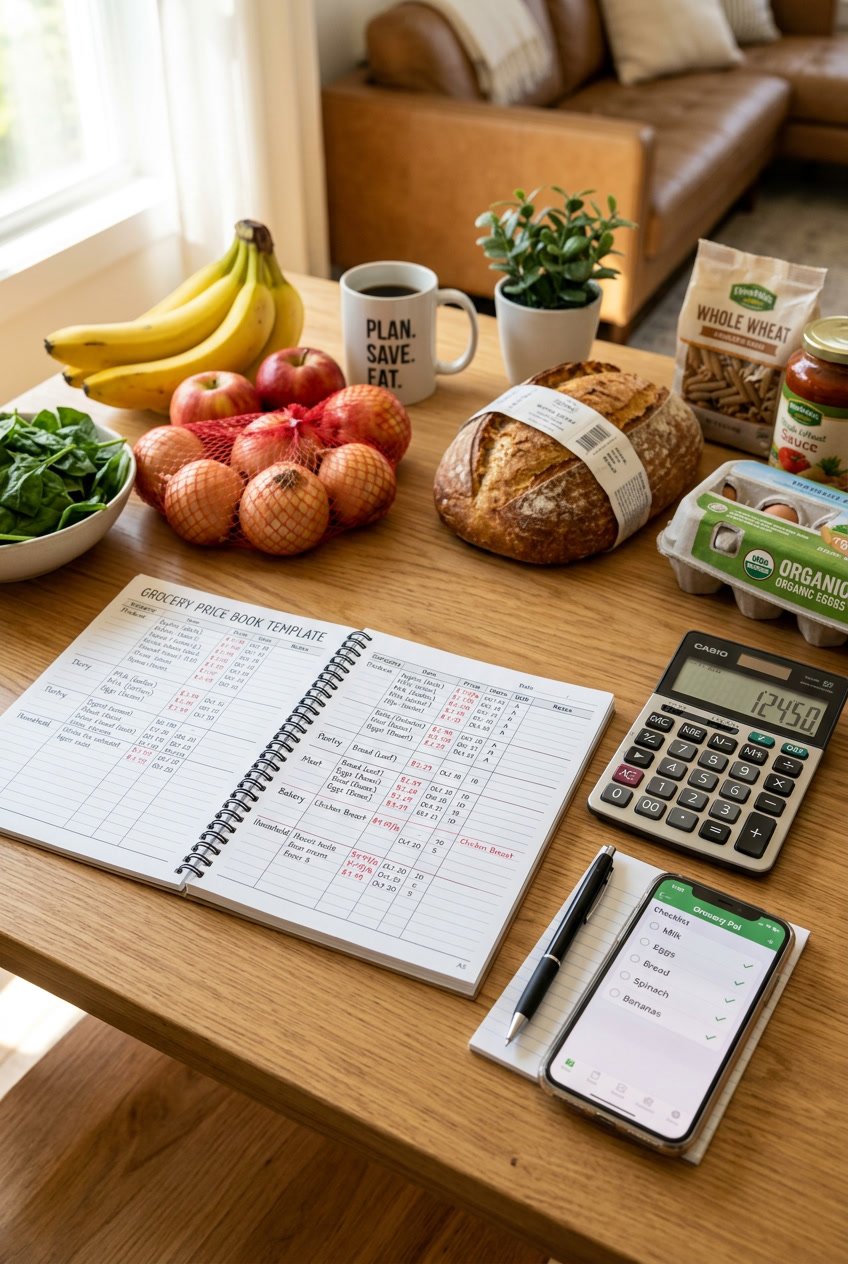
Setting up a price book brings up questions—what format should you use, how much effort does it take, and can free tools really compete with paid ones? Here are some answers to help you build a price book that actually fits your routine.
How can I create my own grocery price book to track my spending?
Start with a small notebook, a spreadsheet, or just your phone’s notes app. List the 10 to 20 items you buy most often—milk, eggs, bread, canned beans, whatever shows up in your cart every week.
Check your recent receipts for prices on those items. Be sure to include the package size—a $2 jar of peanut butter doesn’t mean much unless you know if it’s 12 ounces or 18.
Divide the total price by the number of ounces, pounds, or quarts to get the unit price. A 16-ounce jar of peanut butter for $1.80 is $0.1125 per ounce. An 18-ounce jar for $2.00 works out to $0.111 per ounce. The bigger jar is actually a better deal.
Visit each store you shop at regularly and jot down prices for the same items. You don’t need to do it all in one day. Add prices gradually as you shop over a few weeks.
What’s the easiest way to maintain a price book for grocery shopping?
Update your price book only when you notice a change, not every single shopping trip. Most regular prices stay the same for months.
Keep your price book with you while shopping—maybe it’s a tiny notebook in your bag or a spreadsheet on your phone. When you spot a price that’s different from what you recorded, jot down the new price and the date.
Focus on the 20 to 30 items you buy most often instead of tracking every single thing. The stuff you buy weekly or monthly gives you the biggest bang for your buck.
Delete items you don’t buy anymore and add new ones as your habits change. Your price book should match your real shopping list, not some ideal version.
Are there any accessible templates for a grocery price book that I can start with?
Free Excel and Google Sheets templates are out there—try Vertex42 or personal finance blogs. Most templates include columns for product name, store, brand, size, price, and unit price.
Google Sheets templates work well if you want to check prices on your phone while shopping. Excel templates usually need to be printed or opened in the mobile app, which isn’t always convenient in a grocery aisle.
Printable templates are mostly sized for standard 8.5 x 11-inch paper, which doesn’t fit in your pocket. You can shrink them when printing, or just copy the info into a smaller notebook.
Look for templates that automatically calculate unit prices with formulas. It saves you the headache of doing math in the aisle when you’re comparing a 24-ounce bottle at $3.49 to a 32-ounce one at $4.29.
Can you suggest an affordable or free app to help manage my grocery prices?
Sharky Shopping is free for Android and lets you track prices, calculate unit costs, and create shopping lists. The interface is simple, though it’s not as polished as some paid apps.
ValueTracker costs $0.99 for iOS and includes barcode scanning, which speeds up price entry. It’ll automatically calculate unit prices and show you price history over time.
Both apps need you to enter prices by hand. Honestly, that takes about the same time as scribbling in a notebook. The upside? Your phone’s already with you at the store.
Free spreadsheet apps like Google Sheets or Excel Mobile work fine if you make your own template. You won’t get barcode scanning, but you’ll have total control over how you organize your data.
What are the best practices for using a grocery price book to save money?
Glance at your price book before you even jot down your shopping list. Don’t wait until you’re standing in the aisle. Let’s say chicken breast runs $2.99 per pound at Store A, but Store B wants $4.49. You can decide where to shop before you even leave the house.
Stock up when prices dip below your usual average, but stick to non-perishables or things you can freeze. If pasta usually costs $1.29 per pound and suddenly it’s $0.79, grab a bunch—maybe 10 boxes—if you go through pasta every week.
Figure out your own threshold for hopping between stores. If you save $8 by splitting your shopping but burn $2 in gas and spend 20 extra minutes, is the $6 really worth it to you? Only you can answer that.
After a few months of using your price book, start watching for sale cycles. Lots of stores run deep discounts every 6 to 12 weeks. If you notice peanut butter drops every 8 weeks, you can just wait it out instead of paying full price.
Don’t let your price book trick you into buying stuff nobody wants. A killer deal on canned corn isn’t much help if your family won’t touch it.
Could you provide examples of how to effectively organize a grocery price book?
Try organizing by category instead of alphabetically, especially if you usually move through the store in a certain order. Group all the dairy together, then produce, followed by canned goods, and then frozen foods. This setup matches the way most people shop and honestly, it just makes price checking a whole lot quicker.
Let’s say you’re tracking canola oil prices. You might jot down: Stop & Shop store brand, 1 gallon, $10.99, which works out to $2.75 per quart. Then, Aldi store brand, 1.5 quarts, $2.69, or $1.79 per quart. That’s a 96-cent difference for every quart. If you go through a quart each month, you’re looking at saving $11.52 a year just by paying attention to this one item.
If you care about which brands you buy, make separate entries for each one. Don’t mix generic and name-brand pasta together if you’re always reaching for Barilla. Your price book should actually represent what ends up in your cart, not what you think you “should” buy.
Add a notes column to track which stores are along your usual route. The cheapest ground beef isn’t much help if the store’s half an hour away. Jot down notes like “on way to work” or “near gym” so you remember which deals are easiest to grab.
Highlight or color-code the lowest price for each item. That way, you can spot the best deal instantly, no squinting or scrolling needed. If you’re using a spreadsheet, set up conditional formatting so the lowest unit price in each row turns green automatically.
Leave a Reply